When to Upgrade From a Desktop Label Printer to Production
Table of Contents When to Upgrade From a Desktop Label Printer to Production Upgrade from a desktop label printer to a roll-fed production press when
Upgrade from a desktop label printer to a roll-fed production press when volume, SKU complexity, and labor costs outgrow desktop capacity.
Desktop label printers are inexpensive and easy to operate for prototyping and low-volume SKUs, but narrow media, small rolls, and manual reloading create real limits as volume climbs.
Desktop label printers earn their place for good reasons. They’re inexpensive, compact, easy to operate, and ideal for prototyping, short runs, and low-volume SKUs. A food startup printing a few hundred jar labels a week, or a cosmetics brand testing a new line, can get real value from a desktop unit without committing capital to digital label printing at scale.
The limits show up as volume and complexity climb. Desktop printers typically use narrow media, small label rolls, and slower print speeds. They require frequent manual reloading, offer limited finishing — little to no inline laminating, die-cutting, or slitting — and often struggle to hold color and registration consistent across long or repeated runs. What worked at 2,000 labels a month can become a daily bottleneck at 40,000.
The question isn’t whether a desktop printer is “good” or “bad.” It’s whether your current volume, mix, and cost profile have moved past what the format was designed to handle. A production label printer is built around a different volume and complexity profile from the start.
If several of these five volume and complexity signals sound familiar, desktop limitations have become structural constraints on your growth — not occasional annoyances.
Signal 1 — Monthly Label Volume Crosses a Practical Threshold
There’s no universal magic number, but many teams start feeling desktop pain in the range of roughly 20,000-50,000+ labels per month. Above that, print speed and roll capacity force operators into constant babysitting. This production label volume threshold isn’t just about total count — it’s about how much of your day is spent feeding the machine instead of running the business. At that point, a high volume label printer stops being optional and starts being the more economical choice.
Signal 2 — SKU Count and Changeovers Are Multiplying
A nutraceutical contract manufacturer serving multiple brands, or a beverage maker with seasonal releases, feels this quickly. Every new flavor, dosage, private-label variant, or limited edition adds a design, a substrate, and a changeover. When your SKU list outpaces your ability to manage rolls and reconfigure jobs cleanly, complexity — not raw volume — becomes the limiting factor.
Signal 3 — Manual Handling and Downtime Are Eating Labor
Track how many hours your team spends reloading media, clearing jams, trimming, and hand-finishing. On a desktop workflow, that labor stays invisible until you add it up. When skilled operators spend meaningful shift time on manual handling instead of production, you’re paying production-line wages for babysitting work.
Signal 4 — Per-Label Cost No Longer Improves With Growth
One of the clearest signals: your per-label cost stays flat or rises even as your volume climbs. Desktop consumables and short rolls don’t reward scale. A healthy operation should see unit costs fall as volume grows. If they don’t, your equipment is capping your economics — a core reason teams evaluate the label printer total cost upgrade.
Signal 5 — Quality, Color, and Compliance Consistency Are Slipping
Color drift across runs, misregistration, and inconsistent legibility hurt brand perception on a cosmetics shelf and create real risk on regulated products. For food and supplement labels, declarations, barcodes, and required panels must print cleanly and repeatably. No equipment guarantees regulatory compliance — that depends on your content and process — but consistent, high-resolution output makes it far easier to meet GMP-style expectations or applicable FDA and TTB labeling requirements.
Moving to a roll-fed digital label press changes the shape of your workflow, not just your print speed — larger rolls, inline finishing, variable data at speed, and production-planning integration.
Larger rolls and faster speeds
Production presses run wider media and much larger roll diameters, so operators reload far less often. Higher line speeds mean a run that took a full shift on a desktop can often finish in a fraction of the time. This is the core trade-off buyers weigh when comparing an industrial label printer against continued desktop production.
Inline finishing
This is where the industrial label press vs desktop gap is widest. A roll-fed digital label press can integrate laminating, die-cutting, slitting, and rewinding into one pass — turning approved artwork into finished, application-ready rolls without external converting. Arrow’s range of label finishing systems covers this step for operations that need it.
Variable data and versioning at speed
Production presses handle changing text, barcodes, lot codes, and version updates between jobs efficiently. A contract manufacturer can run one client’s SKU, then switch quickly to another with different branding and compliance content.
Operations automation and integration
Many production presses connect to production planning or ERP workflows, so label jobs can be triggered by the production schedule rather than managed as a separate manual step. This operations automation reduces transcription errors, cuts manual handling, and helps you plan capacity for seasonal spikes and launches with more confidence.
What you take on
A production press means a larger footprint and a larger capital commitment. Operators need training on color management, substrate handling, and finishing setup. Modern presses are designed to be approachable, and most teams find the day-to-day workflow more predictable, not more complex, once trained. Some operations describe this format simply as a roll to roll label printer — continuous media in, finished rolls out, in a single pass.
The sticker price is the least useful number in this decision — a real comparison includes consumables, labor, waste, outsourced finishing, and downtime cost across volume tiers.
The figures below are illustrative estimates only, meant to show how the picture shifts by volume. Your actual numbers will vary with substrate, label size, complexity, and labor rates.
Volume tier | Monthly labels | Typical better fit | What drives the decision |
Low | Under ~10,000 | Desktop printer | Minimal capital; manual handling stays manageable. Upgrading rarely pays off unless quality or compliance needs are unusually demanding. |
Medium | ~10,000-40,000 | Transition zone | Desktop per-label costs stay stubbornly high, labor hours climb, and outsourced finishing adds lead time. The total-cost gap begins to close once hidden labor and waste are counted honestly. |
High | ~40,000+ | Production press | Lower per-label costs, reduced manual handling, and inline finishing compound into meaningful savings. Illustrative payback often lands in a range of roughly 12-24 months, depending on mix and outsourced finishing. |
Don’t decide on volume alone. Combine your monthly count with your true labor hours, waste rate, outsourcing spend, and growth trajectory over the next 12-18 months.
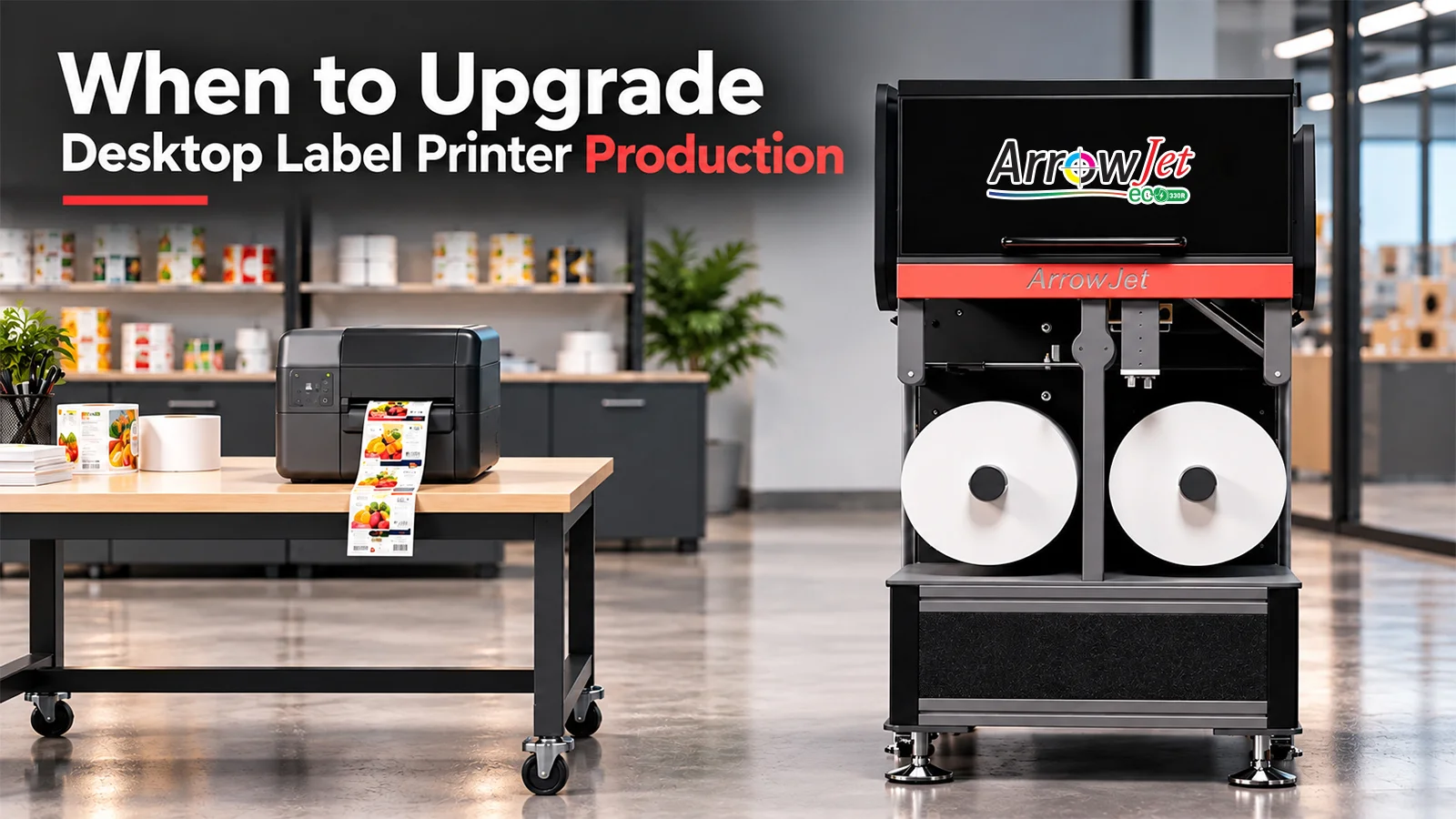
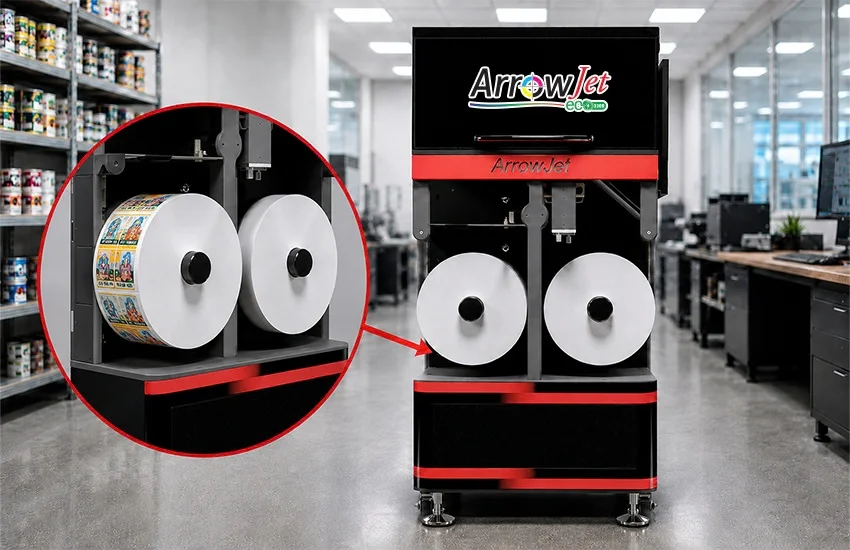
The ArrowJet Eco 330R is a roll-fed digital label press positioned for brands and contract manufacturers stepping up from desktop hardware but not ready for full-scale industrial converting lines.
The ArrowJet Eco 330R handles the wider media, larger rolls, and multi-substrate flexibility that growing food, beverage, nutraceutical, and cosmetics operations need, while keeping the footprint and operating model accessible for teams making their first move into in-house label production. Think of it as a right-sized entry point: enough capacity and finishing capability to eliminate desktop bottlenecks and outsourced converting delays, without over-buying equipment your near-term volume won’t justify. For teams evaluating their first in house label printer, that right-sizing matters as much as raw capability.
ArrowJet Eco 330R specifications
The Eco 330R is a single-pass digital inkjet label press built on the Memjet DuraFlex® engine. It prints at speeds up to 20 meters per minute, at a maximum print width of 324 mm, with resolution up to 1600 x 1600 dpi. As a compact label manufacturing machine, it’s sized for operations making their first move off desktop hardware.
Power and installation
The Eco 330R runs on single-phase 230V power and does not require a compressed air source — a lower-friction installation path for teams bringing label production in-house for the first time.
Applications
The press is suited to food & beverage, nutraceutical/supplement, cosmetic, and pharmaceutical label production, alongside flexible packaging jobs, on digital label printer media such as paper labels, coated papers, and inkjet-treated substrates.
Whether the Eco 330R specifically fits depends on your volume, SKU mix, substrates, and finishing needs — which is precisely what an honest assessment should determine.
If several of the five signals sound familiar, the next step isn’t a sales pitch — it’s a clear-eyed look at your own volume, labor, and cost numbers.
Step 1: Tally your true monthly volume
Count across every SKU, not just your busiest line.
Step 2: Add up hidden labor
Total the hours spent reloading, finishing, and clearing jams each week.
Step 3: Capture outsourced converting spend
Include current waste and reprint rates alongside any converting or finishing spend sent outside your operation.
Step 4: Project 12-18 months of growth
Factor in new SKUs and seasonal spikes, not just current-month volume.
Step 5: Compare against a right-sized press
Weigh whether the ArrowJet Eco 330R fits where you are and where you’re headed — or whether a larger production press is the better match.
Common questions from food, beverage, nutraceutical, and cosmetics operations weighing a move from desktop to roll-fed production label printing.
There’s no single threshold, but many operations begin to justify a production press in the range of roughly 20,000-50,000+ labels per month. Volume alone isn’t the whole answer — factor in SKU count, changeover frequency, manual labor hours, waste, and outsourced finishing costs. When several of those signals point the same direction, the upgrade usually pencils out.
It requires more initial training — particularly around color management, substrate handling, and inline finishing setup — but day-to-day operation is often more predictable, not harder. Larger rolls and automated workflows mean less manual reloading and fewer interruptions, and integration with production planning can reduce operator decisions and transcription errors.
Look at per-label consumable cost, labor hours for reloading and finishing, waste and reprint rates, outsourced converting or finishing spend, downtime cost, and the value of consistent quality on brand and regulated labels. Comparing only sticker prices almost always understates the real cost of staying on a desktop workflow at higher volumes.
If your operation is weighing a move from desktop to roll-fed production label printing, Arrow Systems offers a structured consultation for operations, packaging, and procurement leaders.
Bring your monthly volumes, SKU list, and current cost pain points. We’ll review your numbers against a right-sized press — including whether the ArrowJet Eco 330R fits where you are and where you’re headed, or whether staying on desktop still makes sense for now.

Table of Contents When to Upgrade From a Desktop Label Printer to Production Upgrade from a desktop label printer to a roll-fed production press when

Table of Contents Why Print Your Own Product Labels: Speed, Control, and On-Demand Flexibility In-house digital label printing removes outsourcing delays, eliminates minimum order quantities,

Table of Contents Aqueous vs. UV Inkjet Pharmaceutical Labels: What GMP Requires No FDA regulation names a compliant ink chemistry — GMP governs label accuracy,

Table of Contents Color Sticker Printer for Business: 4 Reasons to Print In-House Businesses invest in a color label printer to reduce dependence on outside

Table of Contents Digital Label Printer for a Small Brand: The Real Break-Even Math Break-even for an in-house digital label press is driven by SKU

Table of Contents Color Label Printer Benefits: A Practical Guide for Businesses A color label printer gives businesses on-demand control over label production — from